
Dropbox Alternative: Secure File Access Without Handing Over Your Data
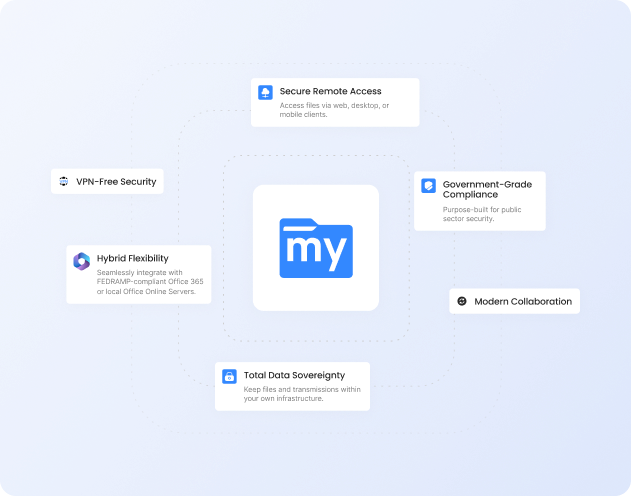
Dropbox means copying all your files into someone else's cloud and paying per seat to keep them there. MyWorkDrive works the other way around. It runs on top of the Windows file servers, Azure, S3, and SharePoint storage you already own, so your team gets secure browser and mapped-drive access from anywhere and the files never leave your control. Active Directory permissions keep working exactly as they do today. Nothing to migrate, and live support comes with every plan.
Trusted by Organizations Worldwide


Quick Comparison
| Capability |
|

|
|---|---|---|
| Files stay on your own infrastructure | Your servers, Azure, SharePoint | Stored in Dropbox's cloud |
| Data migration to get started | None required | Upload & sync everything in |
| Active Directory / Entra ID permissions | Live NTFS, no re-mapping | Recreated inside Dropbox |
| Native SMB file locking | Local & remote users | Dropbox clients only |
| Time to deploy | Minutes | Weeks to months to migrate |
| Storage model | Use the storage you own | Pooled cloud, 3-user minimum |
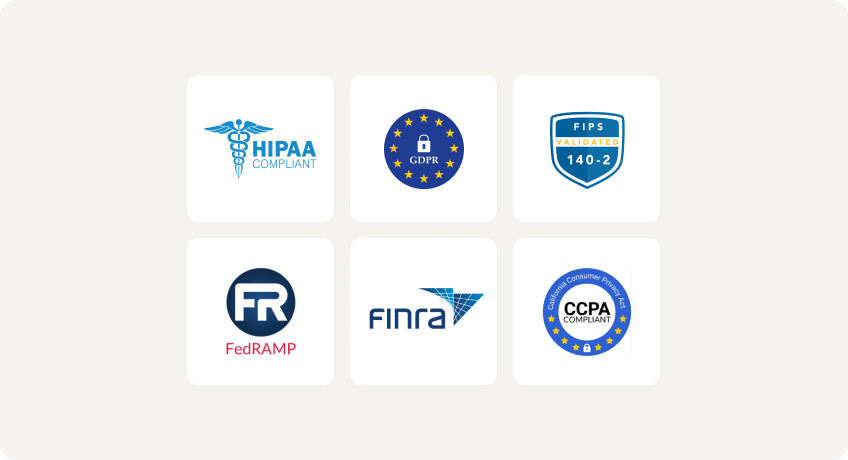
| Compliance (HIPAA, GDPR, FINRA, CMMC) | Across all plans | HIPAA BAA on Advanced only |
| Secure access to on-prem file servers | Yes, no VPN required | No, files must be migrated to the cloud |
| Live onboarding support | Included with every plan | Priority support on higher tiers |
| List price (per user / month) | $5 or lessactive users only | $18–$30Standard to Advanced, billed annually |
Faster Setup, Lower Costs
No Migration Required
Deploy in minutes without moving or
syncing data. MyWorkDrive layers
securely over your existing file
shares.
Native AD and Entra ID Integration
Live NTFS permissions, no duplicate identity store, no extra sync jobs.
Lower Cost of Ownership
$5 per user per month or less,
plus reduced infrastructure and
maintenance costs. Free full-service
support.
Why Choose MyWorkDrive?
Architecture and Data Residency

- MyWorkDrive: Files stay on your own servers and cloud storage with zero migration. Nothing is copied into a third-party repository.
- Dropbox: Your files have to live in Dropbox's cloud. Using it means uploading and syncing your data off your own network.
Identity and Permissions
- MyWorkDrive: Direct integration with Active Directory or Entra ID, honoring your live NTFS permissions with nothing to re-map.
- Dropbox: Users and folder permissions are managed inside Dropbox. Your NTFS rights have to be recreated and kept in sync through provisioning.
File Locking and Collaboration
- MyWorkDrive: Native SMB locking works across both local and remote users on the same file share.
- Dropbox: Locking only applies within the Dropbox apps, and the files sit in Dropbox rather than on the shares your on-prem users still work from.
Security You Can Prove
With MyWorkDrive, authentication and authorization stay anchored in your directory and your NTFS. No vendor keys to rotate for at-rest copies you don’t control, and no third-party repository to certify, making attestations simpler for regulated workloads.
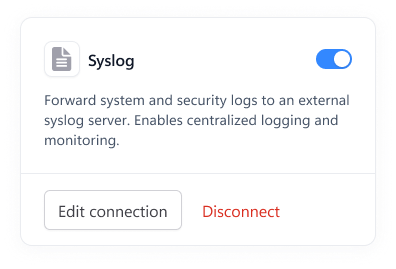
Data Loss Prevention

(Block downloads, disable copy/paste, watermarking, device approvals)
Learn more
What our users are saying
 Industry-leading secure remote file access solution
We have determined that MyWorkDrive software is essential to the Government’s requirements and market research indicates that other companies’ similar products do not meet or cannot be modified to meet the agency’s needs.
We conducted annual market research in January 2025 by comparing two competitors, ShareFile and Dropbox.
However, neither of these companies provides us with the necessary capabilities required to allow us to utilize the existing infrastructure, maintain stringent control over their data, and integrate with current enterprise security and authentication protocols.
These companies software do not provide real-time collaboration capabilities, does not eliminate Virtual Private Network (VPN) security risks nor prevent lateral network access.
Due to the inabilities noted, we have determined that MyWorkDrive software is essential to the Government’s requirements and market research indicates that other companies’ similar products do not meet or cannot be modified to meet the agency’s needs.
MyWorkDrive is the most network secure compatible software application capable of eliminating VPN security risks and preventing lateral network access…
…Therefore, it is in the Government’s best interest to procure MyWorkDrive software.
Undisclosed Government Agency

See More Reviews




See the MyWorkDrive Advantage for Yourself
Book a personalized demo or start your free trial today