
SharePoint Alternative: Unified File Access Without Migration
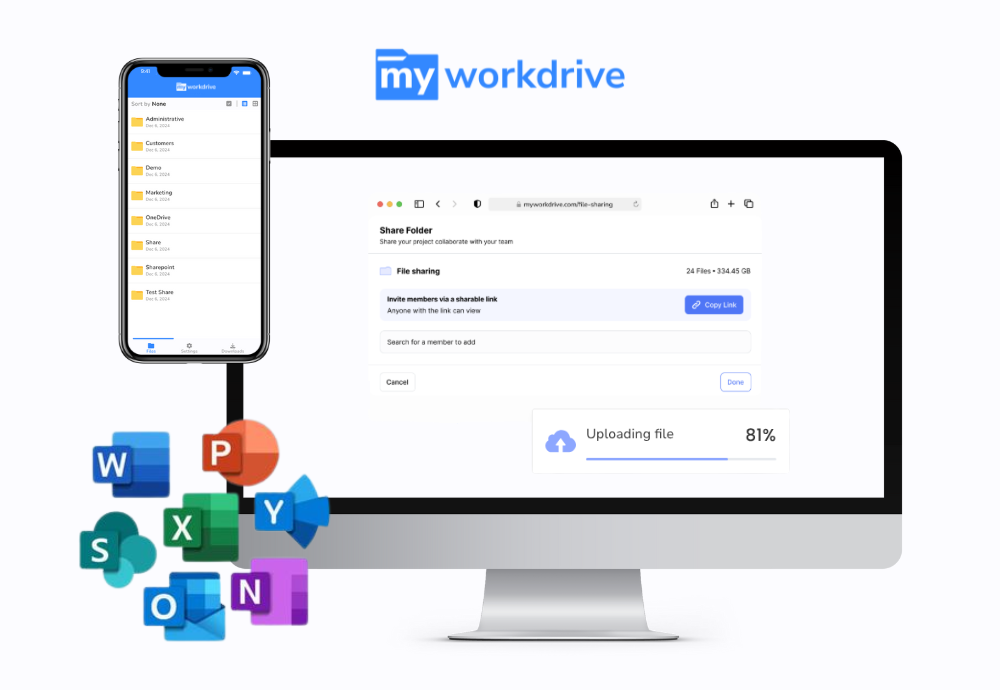
SharePoint Online is built for document collaboration inside Microsoft 365. Using it as a file server means migrating every share to the cloud and retraining users on a new interface. MyWorkDrive gives secure remote access to your existing Windows file servers, Azure Files, Azure Blob, and even SharePoint or OneDrive through familiar mapped drives, a browser, and mobile apps. It does this without migrating data, syncing files to every endpoint, or running a VPN, and full service support is always included.
Trusted by Organizations Worldwide


Quick Answer
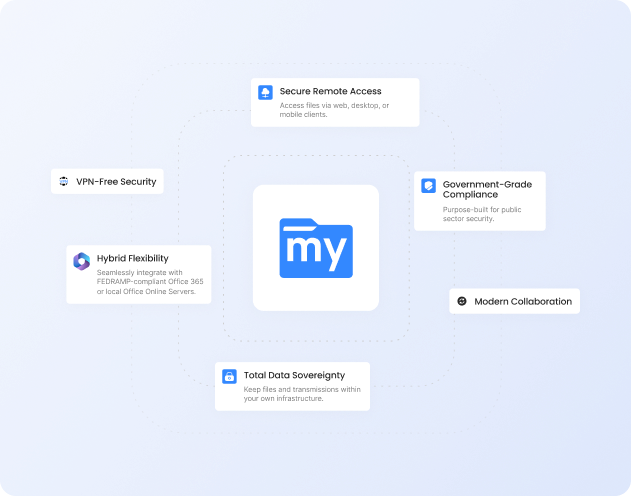
Is MyWorkDrive a SharePoint alternative? Yes, when the need is file server access rather than document collaboration. SharePoint is a collaboration portal for documents inside Microsoft 365. It is not designed to replace a file server for mapped drive access, large files, database and CAD applications, deep folder structures, or data that must stay on premises. MyWorkDrive delivers that file server access securely over HTTPS while leaving your data where it already lives, and it can also present SharePoint and OneDrive in the same interface. Users get one familiar way to reach every repository, with no migration project required. Most teams keep SharePoint for collaboration and add MyWorkDrive for everything a file server does.
Quick Comparison
| Capability |
|
|
|---|---|---|
| Files stay on your own infrastructure | Your servers, Azure, S3, SharePoint | Stored in the Microsoft 365 cloud |
| Data migration to get started | None required | Migrate shares, rebuild permissions |
| Secure access to on-prem file servers | Yes, no VPN required | Only after migrating to the cloud |
| Mapped drive for legacy apps | Drive letters and UNC on Windows | Sync or shortcut, not a drive letter |
| Native SMB file locking | Local and remote users | Web co-authoring only |
| Active Directory / Entra ID with live NTFS | Live NTFS, ABE and DFS kept | Entra ID; permissions remapped |
| File and storage limits | Limited only by your storage | 250 GB file, 5,000-item view cap |
| Deleted-file recovery and backup | Your backup and DR, plus VSS | 93-day bin; backup sold separately |
| Compliance (HIPAA, GDPR, FINRA, CMMC) | All plans, data stays on-prem | Cloud-resident, plan-dependent |
| List price (per user / month) | $5 or lessactive users only | Bundledwith Microsoft 365; add-ons extra |
Where MyWorkDrive Fits Alongside SharePoint
SharePoint was built for collaboration. File server workloads such as mapped drives, large media and engineering files, and database applications sit outside what it does well. MyWorkDrive covers those workloads, and it can also reach your SharePoint and OneDrive content, so you do not have to give up either one.
No Migration Required
Overlay your existing SMB and NTFS shares, Azure Files, and Azure Blob in minutes. Keep your folder structures, file names, and large files exactly as they are. Connect any storage.
Built on Your Identity and NTFS Permissions
Authenticate against your existing Active Directory or Entra ID. NTFS ACLs stay authoritative and are enforced live, with Access Based Enumeration and DFS preserved. No permission rebuild. Identity and access.
Lower Total Cost of Ownership
$5 per active user per month, or less. There is no migration project, and you avoid the extra storage and separate backup subscriptions that storing file data in SharePoint can require. See pricing.
Why Choose MyWorkDrive Over SharePoint?
What is the best SharePoint alternative for file server access?

MyWorkDrive is a leading SharePoint alternative for teams that need file server access rather than a collaboration portal. It gives secure remote access to existing Windows SMB shares, Azure Files, Azure Blob, and cloud managed SMB, and it can also front SharePoint and OneDrive through the same interface. It requires no data migration and no change to your existing infrastructure.
Can MyWorkDrive replace SharePoint, and how is it different?
- MyWorkDrive: Replaces SharePoint for file server workloads such as mapped drive access, large files, and database or CAD applications, and provides unified access to both your file shares and your Microsoft 365 content.
- SharePoint: Remains the place for document collaboration features like co-authoring, versioning, intranet sites, and Teams integration. MyWorkDrive does not replace those.
Do I have to migrate my file shares to use MyWorkDrive?
- MyWorkDrive: No migration. The platform overlays your existing shares and cloud storage in place, with no permission rebuild and no filename cleanup.
- SharePoint: Using it as a file store requires migrating shares into SharePoint, recreating folder structures and permissions in the Microsoft 365 model, and renaming files that use characters SharePoint restricts.
Does MyWorkDrive give mapped drive and UNC access for legacy apps?
- MyWorkDrive: Presents storage as a familiar mapped drive on Windows and macOS. On Windows it appears as a native drive letter such as M: or S: with UNC path support, and it works with scripted and command line workflows, so legacy applications open files exactly as they would on a file server.
- SharePoint: Does not present a true mapped network drive natively. The OneDrive sync client and the Add shortcut to OneDrive feature are not equivalent to a drive letter for many line of business applications.
How do file locking and Office co-authoring compare?
- MyWorkDrive: Uses native SMB file locking, which supports databases, engineering CAD files such as AutoCAD, and accounting applications such as QuickBooks that need true multi user locking. Locks are visible to both MyWorkDrive and traditional SMB users. Office co-authoring is supported through Microsoft 365, Office Online Server, or ONLYOFFICE.
- SharePoint: Offers web based co-authoring for Office documents, but does not provide SMB byte range locking for desktop database and CAD applications.
What are SharePoint Online's current file and storage limits?
As of 2026, SharePoint Online supports up to 250 GB per file and up to 25 TB per site. Libraries can hold up to 30 million items, but the list view threshold of 5,000 items throttles large views and queries. The full decoded file path is capped at 400 characters, which deep folder trees migrated from file servers often exceed. The recycle bin retains deleted files for 93 days as a soft delete buffer, not a backup. MyWorkDrive is limited only by the capacity of your underlying storage.
Is MyWorkDrive more cost effective than migrating to SharePoint?
The SharePoint license is bundled with Microsoft 365, but the real costs show up elsewhere: migration services, additional storage at roughly $0.20 per GB per month beyond the included allowance, backup subscriptions for retention past 93 days, and user retraining. MyWorkDrive is $5 per active user per month, uses your existing or low cost storage, and avoids the migration project entirely.
Security You Can Prove
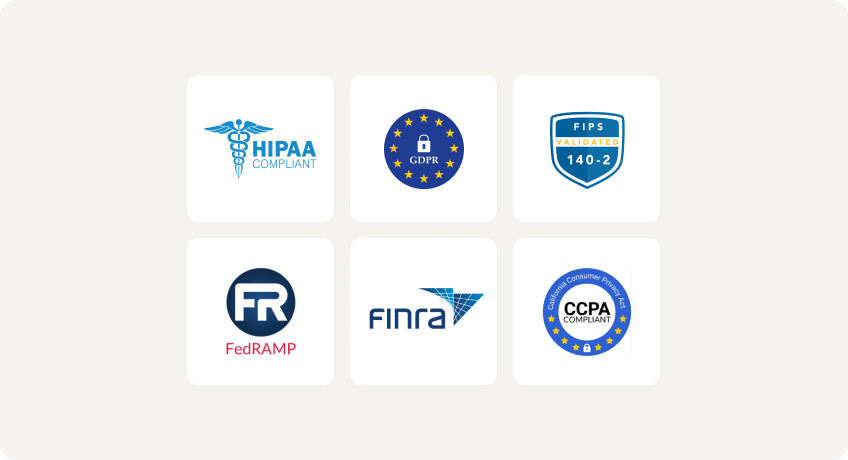
With MyWorkDrive, authentication and authorization stay anchored in your directory and your NTFS permissions. There is no separate cloud repository to certify and no vendor held copy of your data, which keeps attestations simpler for regulated workloads in healthcare, finance, legal, and government.
Data Loss Prevention

(Block downloads, disable copy and paste, watermarking, device approvals)
Learn more
What our users are saying
 Industry-leading secure remote file access solution
We have determined that MyWorkDrive software is essential to the Government’s requirements and market research indicates that other companies’ similar products do not meet or cannot be modified to meet the agency’s needs.
We conducted annual market research in January 2025 by comparing two competitors, ShareFile and Dropbox.
However, neither of these companies provides us with the necessary capabilities required to allow us to utilize the existing infrastructure, maintain stringent control over their data, and integrate with current enterprise security and authentication protocols.
These companies software do not provide real-time collaboration capabilities, does not eliminate Virtual Private Network (VPN) security risks nor prevent lateral network access.
MyWorkDrive is the most network secure compatible software application capable of eliminating VPN security risks and preventing lateral network access…
…Therefore, it is in the Government’s best interest to procure MyWorkDrive software.
Undisclosed Government Agency

See More Reviews




Related Reading
For the detailed breakdown of why SharePoint Online is not a drop in file server, read Why SharePoint Is Not a File Server. To see how MyWorkDrive unifies on premises shares with Microsoft 365, visit Unified Hybrid Storage Access, replace remote VPN access with VPN-free file access, or review how the platform supports data sovereignty and CMMC, HIPAA, and GDPR requirements.
See the MyWorkDrive Advantage for Yourself
Book a personalized demo or start your free trial today